


To transfer your cable service, just enter your new address on your provider’s website or contact their customer support. First, check if the service is available at your new place. Then, let them know when you want the service to stop at your old address and start at the new one.
Your cable service will not automatically follow you to your new home.
Imagine this: You have finished carrying boxes inside, found the TV remote, and finally located the modem. You connect everything, expecting to get online, but nothing works. Your account is still linked to the old house, or your provider does not serve the new building.
A 15-minute service check before moving day can save you from days without TV after you arrive.
The cable service transfer process is usually simple, but a few small details can cause problems. These include service availability, installation dates, equipment requirements, pricing, and the final bill.
It's better to check these things early so you can avoid problems and make the whole process easier when you move to your new home.
Key Takeaways
✓ Check address-level availability before you cancel anything at the old home.
✓ Compare your current price against the new address price; they are not always the same.
✓ Choose stop and start dates deliberately; a short overlap can prevent downtime.
✓ Only pack equipment that your provider confirms you can keep.
✓ Update your service address and billing address separately; they don’t always sync.
✓ Test every service, not just the first device that connects.
What Does It Mean to Transfer Cable Service?
Transferring cable service means asking your current provider to move an active account from your old address to your new address.
Transfer vs. Cancel and Start New Service
A transfer keeps your relationship with the current provider active. Canceling and starting a new service closes the old arrangement and creates a separate account, either with the same company or a different one.
| Factor | Transfer Service | Cancel and Start New Service |
|---|---|---|
| Existing account | The account and login remain active | A new account is created |
| Equipment | Compatible equipment moves with you | Old equipment needs to be returned |
| Installation | Self-installation is available | New installation is required |
| Current promotions | Existing discounts continue, change, or expire | New customer offers may be available |
| Contract impact | The existing agreement continues | Canceling may trigger contract terms |
| Service downtime | Easier to coordinate between both addresses | A gap may occur between providers |
| Best for | Customers are happy with their current provider and plan | Customers moving outside the service area or seeking better options |
Things to do Before You Transfer Your Cable Service
A smooth transfer starts before you call customer support.
Three checks can prevent most surprises: confirm availability, review your current agreement, and collect the information the provider will request.
Check Service Availability at Your New Address
Enter the complete new address, including the unit number, into your provider’s online availability tool.
After checking online, confirm availability directly with the provider.
Ask:
- Is service available at my exact unit?
- Does the address already have an active cable connection?
- Which plans and speeds are available?
- Is self-installation possible?
- Does the property require a technician visit?
- Will my current equipment work there?
Review Your Current Plan and Contract
Look at your latest bill and account agreement before requesting the transfer.
Check your:
- Current monthly price
- Promotional discount and expiration date
- Contract end date
- TV channel package
- Phone service
- Equipment rental charges
- Early termination conditions
- AutoPay or paperless billing discount
Gather the Information You’ll Need Before Contacting Your Provider
Keep these details nearby:
- Account holder’s full name
- Account number
- Current service address
- Complete new service address
- Moving date
- Preferred disconnection date
- Preferred activation date
- Email address and phone number
- Apartment, gate, parking, or building-access instructions
How to Transfer Cable Service to a New Address (Step-by-Step)
You can transfer your cable service to your new home without much trouble if you know what to do.
Here are the steps to help you move your cable service from your old address to your new one.
Step 1: Contact Your Cable Provider
Most major providers let customers start a move request through their online account, mobile app, phone, or a retail store.
Contact the provider before disconnecting any equipment. Tell the representative that you are moving and want to transfer an existing account rather than cancel it.
Ask for:
- Availability at the new address
- Plans offered at the new home
- New monthly pricing
- One-time fees
- Equipment instructions
- Installation options
- Service stop and start dates
- A written order confirmation
Step 2: Confirm Service Availability
Give the provider the full address, including the apartment or unit number.
Do not accept a general statement such as “we cover that city.” Ask the representative to verify that your exact address is serviceable and that the requested plan is available there.
If your home is newly built, your cable provider might not have the address in their system yet. In that case, they may need to check your address manually or visit the location to see if service is available.
Step 3: Schedule Your Transfer Date
Choose two dates: when service should stop at your old address, and when service should begin at your new address.
Try to activate the new service by move-in day. If you work from home, attend online classes, use connected security devices, or rely on internet-based phone service, a small overlap may be worth considering.
WATCH OUT
Overlap can mean paying for service at both addresses for a short period. Some providers do not allow simultaneous active service under one transfer order, so ask how the dates will be handled.
Step 4: Choose Self-Installation or Professional Installation
Self-installation may work when:
- The new home already has an active cable outlet
- Your equipment is compatible
- No new wiring is required
- The provider supports remote activation
Professional installation may be required when:
- The property has no active connection
- Existing wiring is damaged or outdated
- You are moving into a new construction
- Equipment must be replaced
- The provider needs access to an exterior connection point
- A landlord or HOA controls wiring access
Step 5: Update Your Service and Billing Address
When you change your address after moving, check your cable account too. Make sure both your service address and billing address are updated.
Your service address tells the provider where the connection is installed.
Your billing address tells the provider where bills, account notices, or equipment letters should be sent. These addresses may not update together automatically.
WHY IT MATTERS
A provider's system treats “where the wire goes” and “where the bill goes” as two separate fields tied to different departments, installation versus billing. That's precisely why one can update cleanly while the other silently keeps the old address until you check it yourself.
Step 6: Activate Your Services
The activation method depends on the provider and equipment.
You may need to:
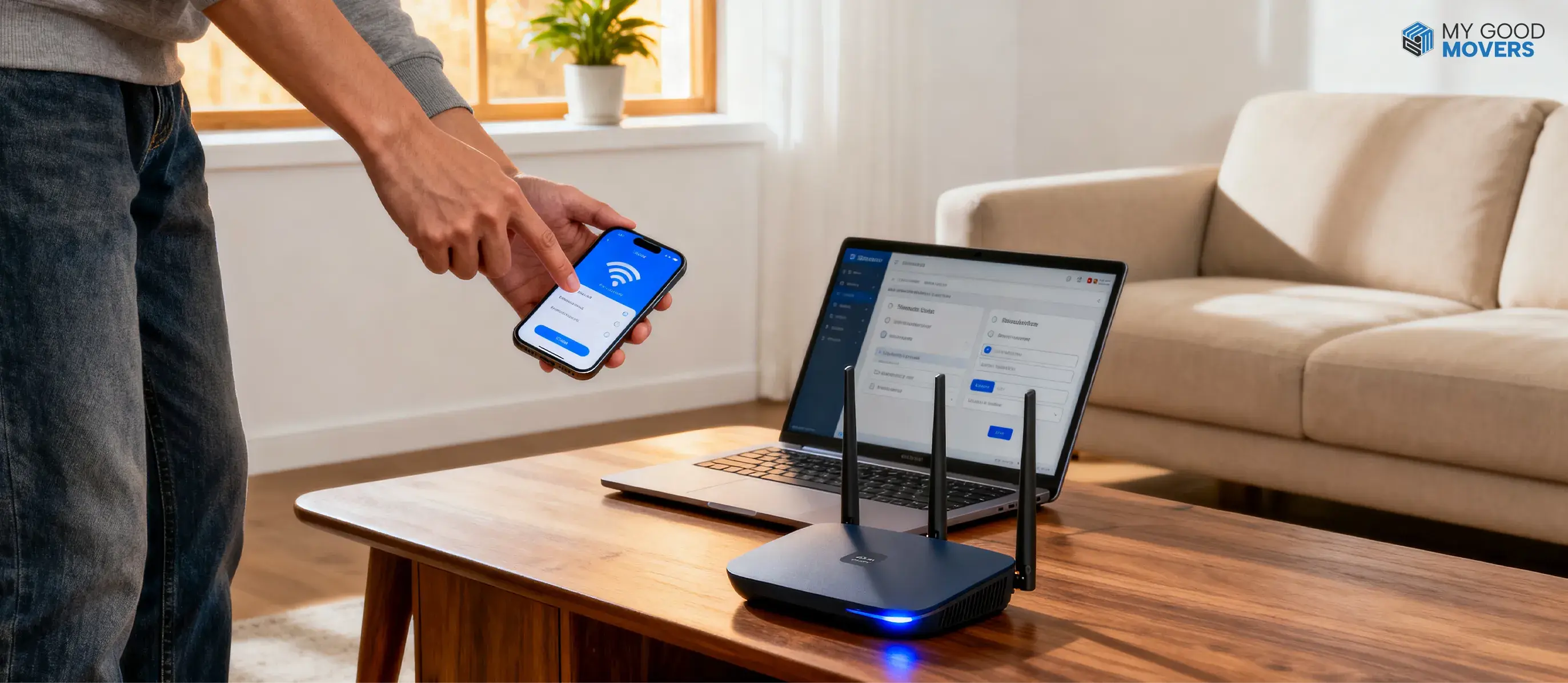
- Connect the modem and router, then set up Wi-Fi in your new home
- Attach cable boxes to televisions
- Use the provider’s mobile app
- Visit an online activation page
- Call an automated activation line
- Wait for a technician to complete the connection
Step 7: Test Your Cable Service at Your New Home
Once your cable service is set up at your new home, check if everything is working as it should.
- Turn on your TV and see if the cable service is working.
- Check your channels to make sure you're getting all the channels included in your package.
- Check the picture and sound to see if they're clear.
- Test each cable box if you have more than one TV connected.
- Check your DVR to see if you can record and watch shows, if your plan includes this feature.
BONUS TIP
The technician will usually leave once the main connection is working. So, make sure you check everything on the test list before they leave. If you find a problem later, you may have to call them back and wait a few more days for another visit.
Got This Utility Covered? Check the Rest
Transferring one service is only part of the process. See how to handle other utilities before you move.
How to Transfer Utilities When MovingHow to Schedule Your Cable Service Transfer
If you're wondering how to schedule a cable service transfer around a busy move, the short answer is: earlier than you think necessary.
As you work through your moving checklist, contact your cable provider about 2 to 4 weeks before moving.
| Time Before Move | What You Should Do |
|---|---|
| 2–4 weeks before | Check address availability, review your plan, and submit the transfer request |
| 1 week before | Confirm the order, installation type, equipment instructions, and total pricing |
| 2–3 days before | Reconfirm the appointment and place all provider equipment in one labeled box |
| Moving day | Connect equipment or provide the technician with safe access to the property |
| After moving in | Activate and test every service, then review the first bill |
What Equipment Should You Take to Your New Home?
Take only the equipment your provider tells you to move.
Do not pack every device automatically. Some items may be incompatible with the network at your new address, while others may need to be returned to avoid charges.
Equipment to Move With You
Modem
Router or gateway
Cable boxes
Streaming devices
Power cords
Remote controls
Coaxial cables
Ethernet cables
Adapters
Provider-issued accessories
Equipment That May Need to Be Returned
Cable receivers
DVR boxes
Remote controls
CableCARDs
Modems (if provided by the cable company)
Routers (if provided by the cable company)
Power adapters and cables supplied with the equipment
BONUS TIP
Pack everything in one clearly labeled container and photograph the equipment and serial numbers before disconnecting it. That photo becomes your proof if a serial number is ever disputed later.
How Long Does It Take to Transfer Cable Service?
The time it takes to transfer your cable service depends on a few things, like service availability, equipment, shipping, and technician schedules. It can also take longer if there are issues with wiring, building access, address verification, new construction, or service activation.
| Stage | Typical Timeline |
|---|---|
| Request submission | 5–15 minutes |
| Order confirmation | Within 24 hours |
| Self-installation | Same day to 24 hours |
| Professional installation | 2–7 days |
| Equipment shipping | 2–5 business days |
| New wiring or address verification | 5–14 days |
Common Situations That Can Affect Your Cable Transfer
Your new home's location and building type affect how you transfer your cable service. Here's what to check based on where you're moving.
| Situation | What You Should Do |
|---|---|
| Moving to another city or state | Check if your current cable provider serves your new address. Ask about changes to your plan, monthly bill, and available channels. |
| Moving to an apartment or condo | Ask the building management which cable providers serve the property. Check if you need permission for installation or technician visits. |
| Moving to an HOA community | Check your community's rules for cable installation, especially if the technician needs to drill holes or install outdoor wiring. |
| Moving into a newly built home | Contact your provider to check if your new address is in their system. If it isn't listed, request an address review and ask about the installation requirements. |
Cable Transfer Problems and How to Avoid Them
Some problems show up when you move your cable service to a new address.
Here's what to watch out for and how to avoid trouble during the transfer.
| Problem | How to Avoid It |
|---|---|
| Provider doesn't serve your new address | Check service availability at your new address before requesting a transfer or canceling your old service. |
| Installation gets delayed | Book your installation appointment before moving day. Confirm the date and time with your provider a few days before you move. |
| Cable box doesn't work at the new home | Ask your provider if your current cable box works at the new address or if you need a replacement. |
| Unexpected charges on your bill | Ask about transfer fees, installation costs, and your new monthly bill. Get the charges in writing before agreeing to the transfer. |
| Channels are missing after the move | Check which channels are included in your package at the new address. Make sure your favorite channels are still part of the plan. |
| Cable service isn't activated on moving day | Confirm your activation date with the provider. Keep your transfer confirmation number and setup instructions handy. |