


Gas should be ready before the boxes arrive.
You can usually transfer gas service when moving if the same utility serves your current and new addresses. When another company serves the new property, you normally need to stop service at the old home and open a separate account with the new gas provider.
A common move-in problem can happen when you assume an active utility will stay on automatically. For example, the gas may still be running when you arrive, but if the account is not transferred to your name and a technician needs to visit, you could spend your first night without gas.
A small scheduling task can be the difference between a comfortable first night and an unexpected utility problem.
So, handle these details early so the gas service at your new home is ready before move-in day.
Can You Transfer Gas Service to a New Address?
Yes, you may be able to transfer gas service to a new address when the same utility serves both properties. The utility may process the request as a “move,” “transfer,” or combined stop-and-start order.
A transfer does not mean that the physical gas supply travels with you. It means the provider closes or updates service at one address and establishes responsibility for service at the other.
Do You Need to Transfer, Stop, or Start Gas Service?
| Moving Situation | Required Action |
|---|---|
| The same gas company serves both addresses | Request a gas service transfer or move-service order. |
| A different company serves the new address | Stop service at the old home and open a new account with the new provider. |
| Gas is already active at the new property | Contact the provider to place the service in your name. |
| Gas is disconnected at the new property | Request activation and confirm whether a technician visit is required. |
| The property has no gas meter or connection | Apply for new gas service rather than a standard transfer. |
| The new home uses propane. | Contact a propane supplier. Utility natural gas service cannot be transferred. |
| Utilities are included in the rent | Confirm responsibility with the landlord or property manager. |
When Should You Transfer Gas Service
Submit the request 1 to 2 weeks ahead when possible, but start checking the new provider and property requirements 2 to 4 weeks before your move.
This extra time gives you time to verify your identity, book a technician, provide access to the meter, or complete an inspection before your service starts.
Gas Service Transfer Timeline
| Time Before or After Moving | Action |
|---|---|
|
2 to 4 weeks before moving |
Identify the new provider and review its transfer requirements. |
|
1 to 2 weeks before moving |
Submit the transfer or stop-and-start request. |
|
Several days before moving |
Confirm the appointment, property access, fees, and required documents. |
|
1 day before moving |
Check the confirmation number and scheduled service dates. |
|
Moving day |
Verify that service is active and document the old meter reading. |
|
Within the first billing cycle |
Review the final old-home bill and the first new-home bill. |
What You Need Before Requesting the Transfer
Keep your account, address, and move-in details ready so the verification process is not delayed.
Information and Documents You May Need
| Required Item | Why It May Be Needed |
|---|---|
|
Existing account number |
To locate and verify the current gas account. |
|
Current service address |
To schedule the service stop date. |
|
New service address |
To verify service availability and create the new order. |
|
Move-out and move-in dates |
To coordinate disconnection and activation. |
|
Full legal name |
To identify the responsible account holder. |
|
Phone number and email |
To receive confirmations and appointment updates. |
|
Government-issued identification |
To verify identity. |
|
Social Security number |
Some providers use it for identity or credit verification. |
|
Lease or closing documents |
To confirm occupancy when required. |
|
Forwarding address |
To deliver the final bill or deposit refund. |
|
Payment method |
To pay deposits, setup fees, or overdue balances. |
|
Meter-access details |
To help technicians access locked or restricted areas. |
How to Transfer Gas Service When Moving (Step by Step)
Follow these steps to transfer gas service to your new place when moving.
Step 1: Confirm Which Gas Provider Serves the New Address
Start by checking whether your current gas utility serves the new property.
You can confirm the provider through:
- Your current gas utility
- The landlord or property manager
- The seller or real estate agent
- A recent utility bill for the property
- A state public utility commission
- A municipal utility department
Use the full service address, including the apartment or unit number. One incorrect digit can connect the order to another meter or cause the online system to reject the address.
Step 2: Choose Your Service Stop and Start Dates
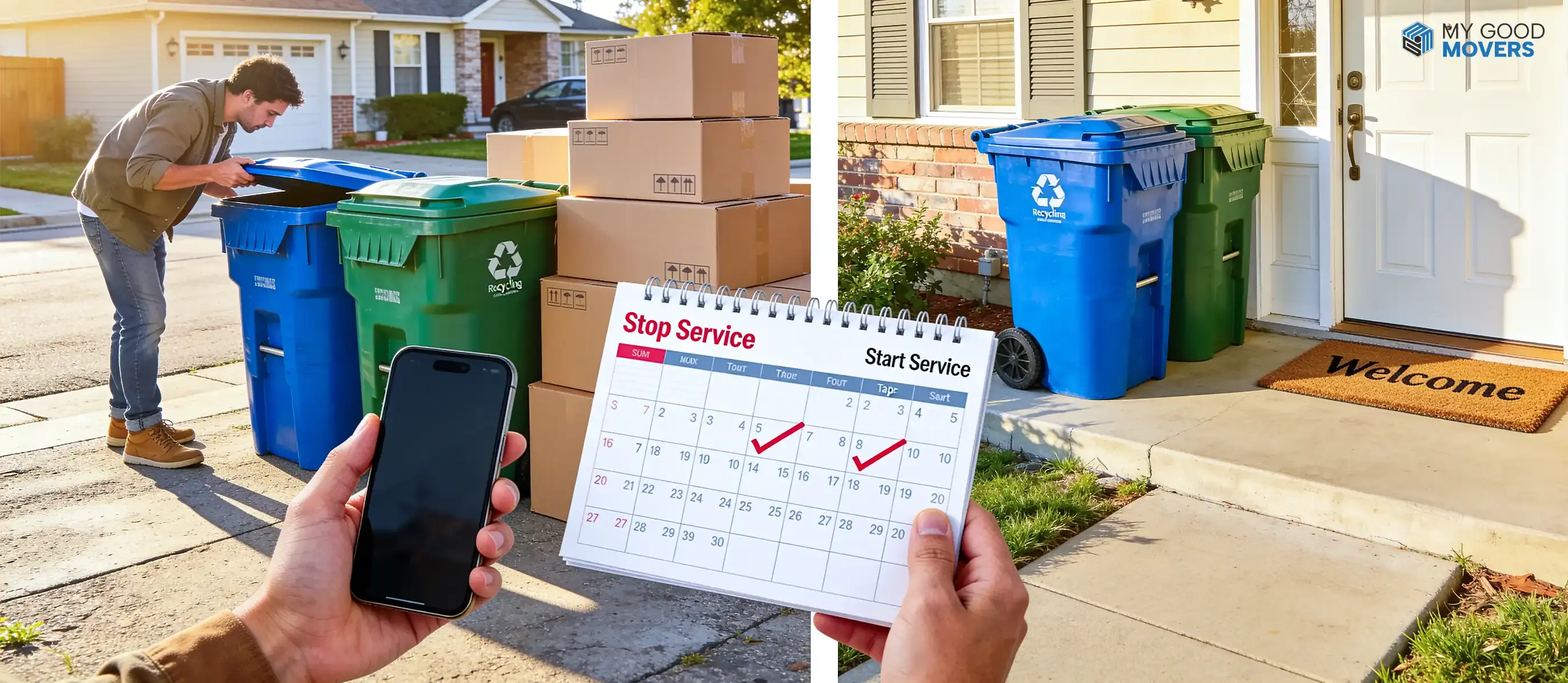
Keep gas active at the old home until you have completed the final walkthrough. You should stop gas service only after you no longer need heat, hot water, or gas appliances at the property.
At the new property, request service for the move-in date or slightly earlier when the lease, closing agreement, and utility allow it. A short overlap may be worthwhile when you still need heat, hot water, or gas appliances at both homes.
Pay attention to who is legally responsible for each property on each date. A buyer should not request service before taking possession without approval, and a tenant should not accept charges for days outside the lease period.
Step 3: Sign In Online or Contact the Gas Provider
Many gas companies let residential customers submit start, stop, or move requests online.
Columbia Gas and Peoples Gas provide online service-management options, while SoCalGas allows customers to start or transfer service through My Account.
Depending on the provider, you may also use:
- A mobile application
- A customer-service phone number
- An in-person service center
- An accessibility or language-support line
If you will not be available, ask the utility company how to let someone else handle the request for you. Add that person as an authorized user before they contact the company or make changes to the account.
Step 4: Select Transfer or Separate Stop-and-Start Service
Choose “move” or “transfer” when the same provider serves both properties.
Choose separate stop and start requests when:
- Different utilities serve the two addresses
- The online account does not offer a transfer option
- Another person will become responsible for the old property
- The new account requires a different legal name
- The utility instructs you to open a new account
A “transfer” still generates a new account number. Do not assume your existing number, payment settings, or billing preferences will remain unchanged.
Step 5: Complete Identity and Account Verification
The gas utility must confirm who will be financially responsible for the service.
Verification may involve:
- Matching your legal name and personal details
- Reviewing payment history
- Performing an identity or credit check where permitted
- Confirming occupancy
- Resolving an unpaid balance
- Verifying an authorized account holder
A name mismatch can slow the request. This happens after marriage, divorce, a legal name change, or when a nickname was used on the previous account.
Step 6: Review Fees and Security Deposits
Ask for the exact charges before submitting the order. A transfer may be free with one utility and carry a service fee with another.
Current official examples show how much policies can differ:
- SoCalGas lists a $25 one-time service fee that is added to the first bill for starting service.
- PG&E says it does not charge a start-service fee, although a deposit may apply in some cases.
- Citizens Energy Group says a new residential customer may need a security deposit unless the customer demonstrates creditworthiness.
These are provider-specific examples, not national averages.
Suppose a provider estimates an average periodic bill of $129, and its approved deposit formula is two times that amount. The resulting deposit would be $258.
That is a hypothetical calculation, not a standard gas deposit.
Ask the utility:
- Is there a start, transfer, activation, or reconnection fee?
- Will a deposit be required?
- Can payment history qualify me for a waiver?
- Will my existing deposit move to the new account?
- When will a refundable deposit be returned?
- Will the charge appear immediately or on the first bill?
Step 7: Schedule a Technician Visit if Required
An account update may be completed remotely when gas is already active, and no safety or access work is needed.
A visit becomes more likely when:
- The gas is physically disconnected
- The meter is locked
- The property has remained vacant
- The provider requires a safety inspection
- Gas piping or appliances were changed
- A permit or local inspection remains open
- The utility needs access before activating service
The gas company decides whether remote service is allowed. Do not unlock a meter, open a utility valve, or attempt to restore service yourself.
Step 8: Prepare the Property for the Appointment
Read the appointment instructions before the technician arrives.
The utility may require:
- An adult to remain at the property
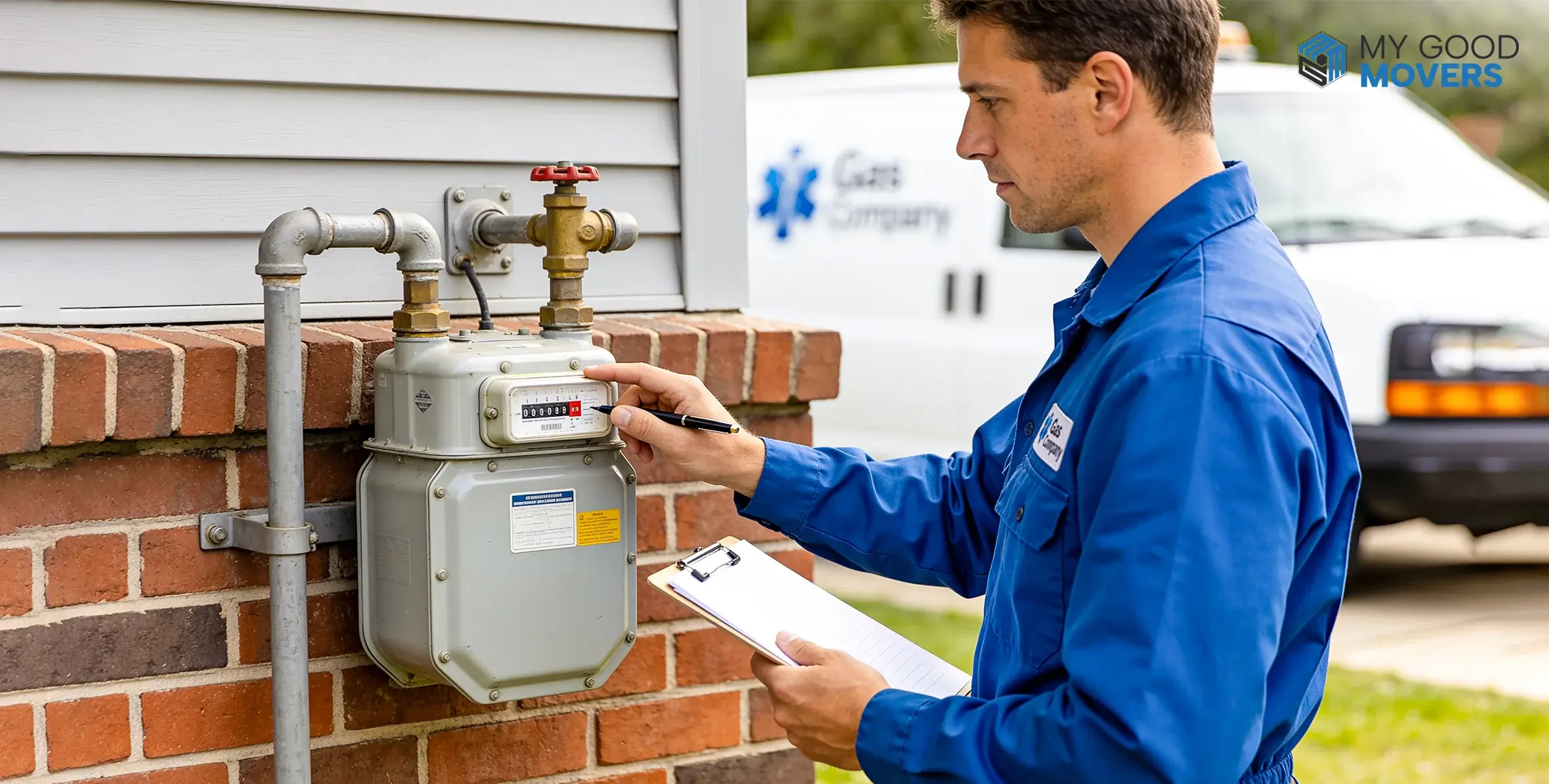
- Clear access to the gas meter
- Access to furnaces, water heaters, ranges, or other gas appliances
- Unlocked gates, basements, utility rooms, or meter closets
- Secured pets
- Working electricity or water
- Approval from the landlord or building manager
- Space for the service vehicle to park safely
Tell the provider about a locked common area, gated entrance, basement meter, or building-access code before the appointment.
If the technician cannot reach the required area, the appointment will need to be rescheduled. Some utility companies also charge a fee for the second visit.
Step 9: Save Your Confirmation Details
Keep the:
- Confirmation number
- Approved start and stop dates
- Appointment window
- Fee or deposit information
- Provider’s contact details
- Confirmation email or screenshot
These records can help resolve a missed appointment, incorrect service date, or billing dispute.
Step 10: Confirm Gas Service at Both Addresses
Check that the old account closed on the date you requested and that the new account shows the correct address.
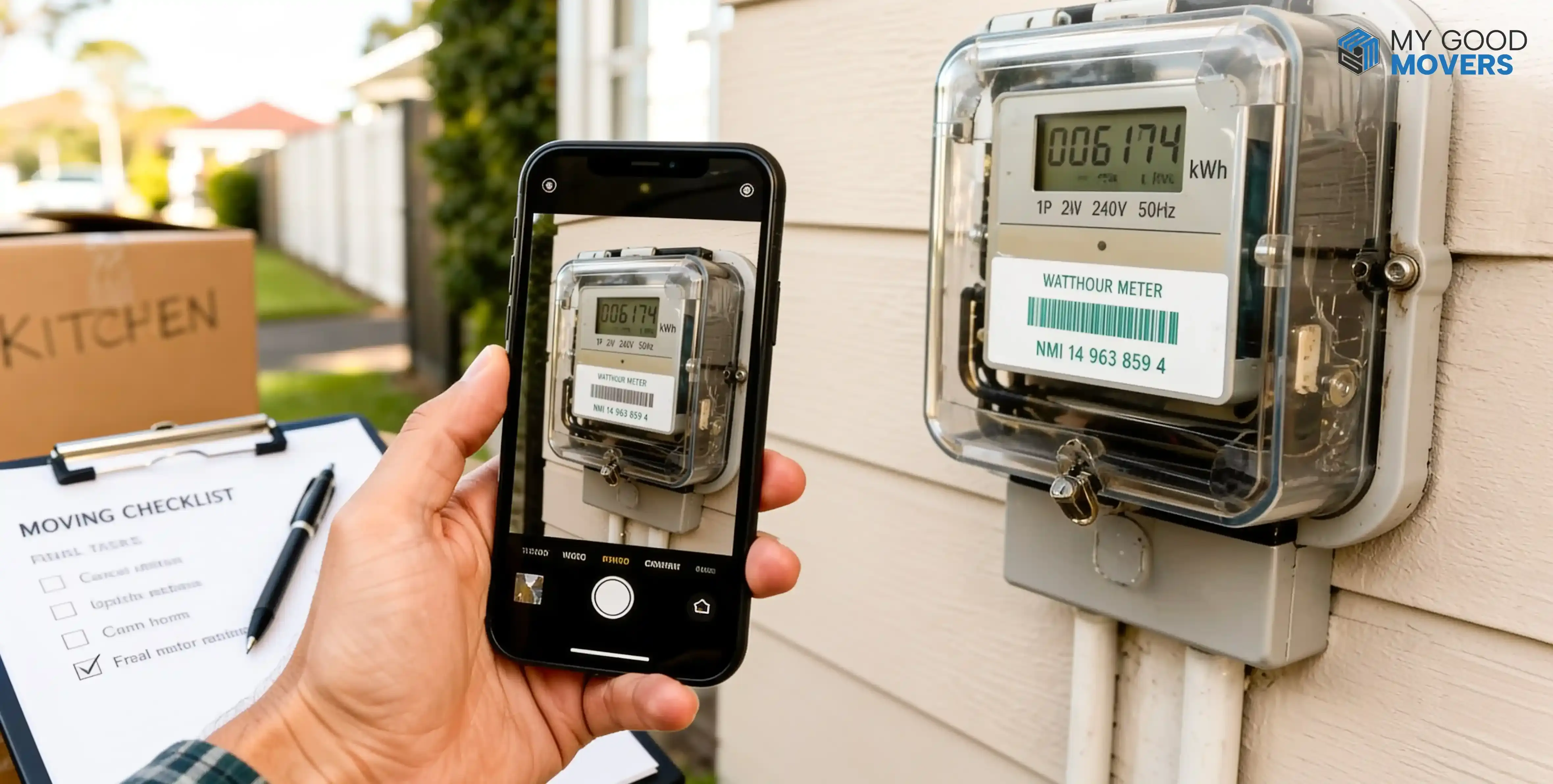
Review the opening and final meter readings where available. A photograph of an accessible meter can create a time-stamped record, but do not touch, open, or alter the meter.
Once the bills arrive, verify:
- The billing period
- The service address
- Start and stop dates
- Deposit or activation charges
- Account credits
- Final meter usage
- Autopay status
Keep the confirmations until the final old-home balance and first new-home bill have both been settled.
Got This Utility Covered? Check the Rest
Transferring one service is only part of the process. See how to handle other utilities before you move.
How to Transfer Utilities When MovingHow Long Does a Gas Service Transfer Take?
A gas service transfer can be completed quickly when the utility only needs to update the account. Delays usually happen when the property needs physical access, inspection, or reconnection.
Typical timing looks like this:
Same day
Gas is already active, and the provider can update the account remotely.
1-3 business days
Basic verification or account setup is required.
Several business days
A technician must unlock the meter, reconnect service, or inspect the property.
Longer than expected
Holidays, missed access, permit issues, or heavy moving-season demand slow the process.
Gas Service Transfers in Different Moving Situations
The basic account process remains similar, but ownership, occupancy, and property condition can change what the utility requires.
- Renting: Confirm lease responsibility, shared meters, and whether the landlord authorizes the account change.
- Buying or selling: Coordinate stop and start dates around the closing date and final walkthrough to avoid a premature shutoff.
- Moving to another state: Expect a new provider, a new account, and different deposit and identification rules.
- Keeping both homes active briefly: Watch for double billing and pick accurate stop dates once cleaning and repairs are done.
- Changing the account holder: Roommates, spouses, or new owners may need utility authorization before the name on file can change.
- Vacant or newly built homes: Locked meters, permits, and inspections often mean longer lead times than a standard transfer.
How to Resolve Gas Service Transfer Problems
Gas service problems usually come from a missed request, wrong service date, locked meter, failed verification, or technician access issue.
The good news is that most problems can be fixed quickly when you identify the exact cause first.
Try these steps:
1
Gas is not active.
Confirm the start date, service address, and appointment status with the utility.
2
The technician could not enter.
Reschedule the visit and make sure the meter, basement, gate, or utility room is accessible.
3
You are still being billed.
Check the stop-service confirmation and compare it with the final billing period.
4
An old balance is blocking service.
Ask for an itemized balance and available payment options.
5
The transfer date is wrong.
Update the existing request instead of creating a duplicate order.
QUICK FIX
Keep your confirmation number ready before calling. It helps the utility locate the order faster and reduces repeated explanations.