


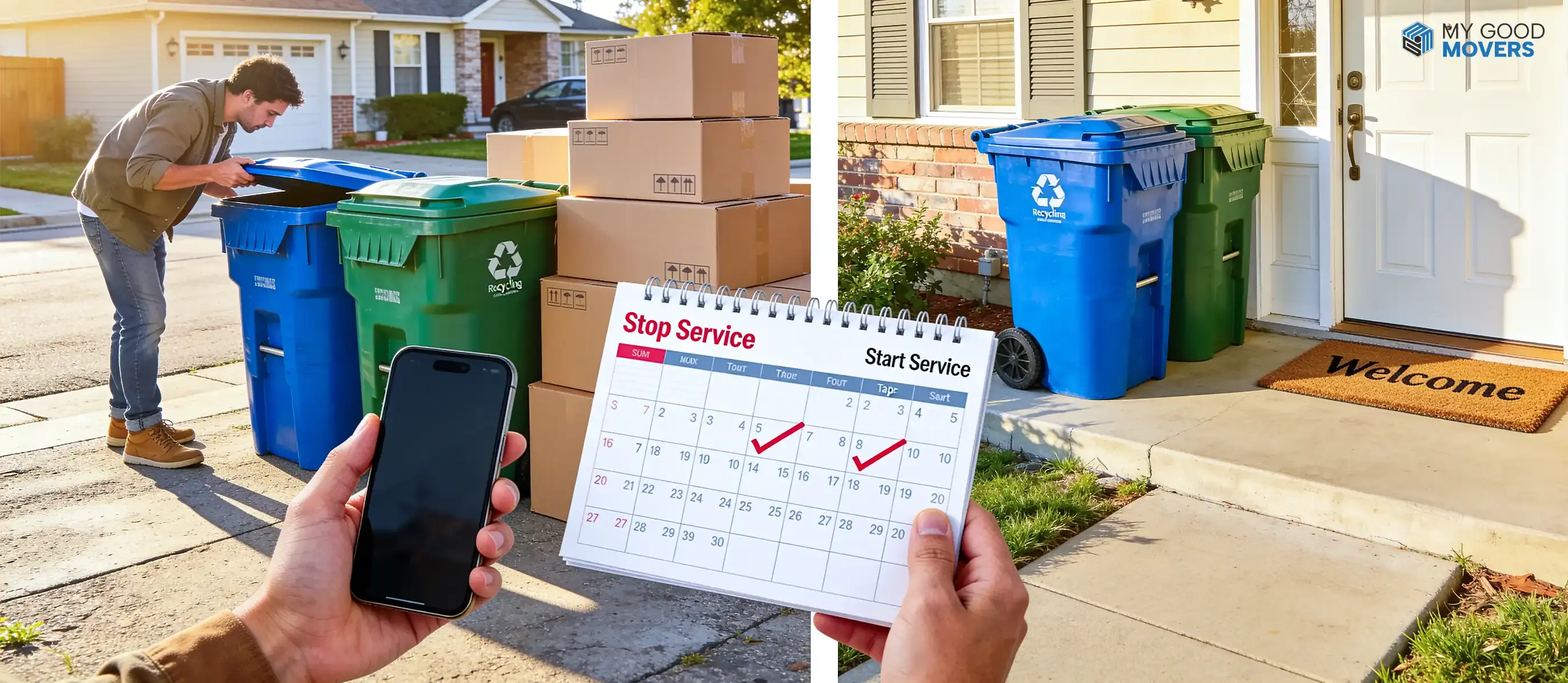
To transfer trash service when moving, first contact your current provider, check whether it serves your new address, choose your final and first collection dates, and confirm what should happen to the trash and recycling bins.
If the company does not cover your new neighborhood, you will need to close the old account and open a new one with the local city, county, or private hauler.
One missed utility can create a messy first week.
Picture your first evening in the new home. The electricity works, the internet is connected, and most of the boxes are inside. Then you notice a growing pile of cardboard, packing paper, food containers, and cleaning waste, but there is no trash cart outside.
Trash pickup feels like a small detail until the moving boxes start filling the garage.
The process is usually simple once you know who handles collection at both addresses. A little planning also helps you avoid extra bills, missing carts, late pickups, and charges for containers that should have been left at your old property.
Can You Transfer Trash Service, or Do You Need a New Account?
You can transfer trash service when the same company or municipal department serves both addresses and allows account changes.
If your new home falls outside its service area, you will normally cancel the old service and create a separate account with the provider assigned to the new address.
The word “transfer” means different things depending on where you live:
- A private company may update the service address under your existing account.
- A city may close service at one property and open it at another through the same utility account.
- A different city or county may require an entirely new application.
- A landlord, condominium association, or HOA may already manage collection.
- Some towns automatically connect trash billing to water or sewer service.
When Should You Transfer Trash Service Before Moving?
Contact your trash-service provider 2 to 4 weeks before moving and include the service stop and start dates in your moving timeline. It gives you enough breathing room to arrange the final pickup, confirm service at the new address, and avoid last-minute problems with the bins.
Recommended Trash-Service Transfer Timeline
| Time Before Moving | Action to Complete |
|---|---|
| 2 to 4 weeks before | Identify the provider, check coverage at the new address, and review account requirements. |
| 1 to 2 weeks before | Request a transfer or cancellation, and choose the start and end dates. |
| 2 to 3 days before | Confirm the request, bin instructions, delivery date, and first pickup date. |
| Moving day | Leave or return old bins according to the provider’s instructions. |
| After moving | Verify that the old account is closed and the new service is active. |
How to Transfer Trash Service When Moving
The easiest way to transfer trash service is to handle the account, addresses, dates, bins, and billing as separate tasks.
Follow these steps in order so you don't miss anything when moving from your old home to your new one.
Step 1: Identify Your Current Trash-Service Provider
Start by confirming who currently collects your trash. The provider may be a city department, a county agency, a private company, an HOA contractor, or a property-management service.
Look for the name on:
- A recent trash or utility bill
- Your bank or credit card statement
- The label printed on the collection cart
- Your lease or HOA documents
- A property-management portal
- Your city or county website
- A combined water, sewer, and sanitation account
Important Info
Do not assume that the truck's logo indicates the company responsible for billing. Some cities contract collection to a private company but still handle account changes through the municipal utility office.
Step 2: Check Whether the Provider Serves Your New Address
Ask the current provider to check the complete new address, including the ZIP code, unit number, and city limits.
You can usually confirm coverage through:
- An online address lookup
- Your customer account
- The provider’s support team
- The city sanitation department
- The county public works office
- The local utility office
A familiar company name does not guarantee service. Private haulers operate only in selected ZIP codes, while city collection may stop at municipal boundaries.
Step 3: Find the Trash Provider for the New Address
When your current provider cannot serve the new home, begin with the official city or county website.
Search for pages labeled:
- Solid Waste
- Sanitation
- Public Works
- Refuse Collection
- Residential Utilities
- Trash and Recycling
A search for a "garbage collection service near me" shows several companies, but availability alone does not mean you can choose any of them. Some municipalities assign one provider or limit residents to approved haulers.
Confirm these details before registering:
- Does the provider serve the exact address?
- Is service mandatory or optional?
- Is trash billed separately or through another utility?
- Is recycling included?
- Which cart sizes are available?
- What is the regular collection day?
- Are there separate rules for yard waste or bulky items?
Step 4: Gather the Required Information
Have your account and property details ready before you call or open the online form.
Most providers will ask for some combination of:
- Current account number
- Current and new addresses
- Move-out and move-in dates
- Full legal name
- Phone number and email
- Government-issued identification
- Lease, closing statement, or proof of residence
- Billing or autopay details
- Preferred cart size
Step 5: Request the Service Transfer
Tell the provider both what is stopping and what is starting.
A CLEAR REQUEST SOUNDS LIKE THIS
“I am moving from my current address on August 12 and moving into the new address on August 13. Can you transfer the account, or should I submit separate stop-service and start-service requests?”
Depending on the provider, you may complete the request through:
- An online account
- A mobile app
- Customer support by phone
- A municipal office
- A property-management portal
WM allows new residential customers to choose a preferred start date online and sends a confirmation email before collection begins. Smaller providers may require a phone call or written request instead.
Step 6: Select the Old Service Stop Date
Keep trash collection active until you've finished your move-out cleaning checklist and disposed of any leftover waste.
The best stop date is often the final scheduled pickup on or immediately after your move-out date.
You may still need collection for:
- Packing scraps
- Cleaning supplies
- Food waste
- Broken household items
- Flattened boxes
- Last-minute decluttering
Stopping service several days early can leave you with bags that cannot legally remain at the curb.
WATCH OUT
Do not assume the account ends when you hand over the keys. Apex Recycling notes that customers remain responsible for service until they notify the office.
Step 7: Select the New Service Start Date
Schedule the new service to begin on or shortly before move-in day.
An earlier start date gives the provider time to deliver carts and place your home on the correct route. It also gives you somewhere to put unpacking waste from the first night.
Ask the provider:
- When will the carts arrive?
- What is the first pickup date?
- Where should carts be placed?
- Is recycling collected on the same day?
- Will a holiday affect the schedule?
- What should I do if the carts arrive late?
TIP
A weekend move can complicate setup because municipal offices may be closed. Confirm everything by the preceding business day rather than hoping someone can fix the account on Saturday morning.
Step 8: Confirm Bin Collection and Delivery
Ask what should happen to every trash, recycling, and organics cart at the old property.
The provider may ask you to:
- Leave the carts beside the house
- Place them at the curb after the final pickup
- Return them to a local office
- Schedule a separate collection
- Keep personally purchased cans
WATCH OUT
Never take a provider-owned cart to the new address without permission. Many municipal carts have serial numbers, barcodes, or RFID tags linked to one property. Wake Forest, Loveland, Gainesville, Oklahoma City, and Madison Heights all instruct residents to leave assigned carts at the old address.
One of the first things to do after moving into a new home is to check whether trash and recycling carts are already present. A missing cart does not always mean you need to buy one. The city or provider may deliver an assigned container after the account becomes active.
Step 9: Review Fees and Billing Changes
Ask the provider to explain every charge before you approve the request.
Possible costs include:
- Account activation
- Administrative processing
- Security deposit
- Cart delivery
- Additional cart rental
- Cart-size change
- Replacement container
- Prorated final bill
- Prorated first bill
- Unreturned cart charge
BILLING TIP
Update autopay only after confirming whether the account number will remain the same. A transferred service address may keep the existing account, while a newly opened service can create a different billing profile.
Step 10: Get Written Confirmation
Written confirmation protects you when a scheduled request does not appear correctly in the provider’s system.
Save:
- Confirmation email
- Request or reference number
- Old service stop date
- New service start date
- Final pickup date
- Cart collection instructions
- New-cart delivery date
- First pickup date
- Final bill details
- Deposit or refund information
Keep these details with your final moving checklist, and save a screenshot of the confirmation page in case the email never arrives.
GOOD TO KNOW
Check the old account again after the final billing cycle. A closed account should show a final balance, credit, or zero amount rather than another full month of service.
Got This Utility Covered? Check the Rest
Transferring one service is only part of the process. See how to handle other utilities before you move.
How to Transfer Utilities When MovingWhat Information Do You Need to Transfer Trash Service?
Preparing your information before contacting the provider can turn a long support call into a quick account update.
| Required Information | Why the Provider May Need It |
|---|---|
| Current account number | To locate and update the existing account |
| Current service address | To confirm the account being transferred or closed |
| New service address | To verify coverage and create the new service record |
| Move-out date | To schedule the final collection and billing date |
| Move-in date | To schedule service activation |
| Government-issued ID | To verify the account holder |
| Proof of residence | To confirm tenancy or property ownership |
| Phone number and email | To send updates and confirmations |
| Payment information | To update billing or autopay |
| Preferred bin size | To arrange the correct service level |
How Trash-Service Transfers Work in Different Moving Situations
Trash-service changes work differently depending on how far you are moving and who manages the new property.
Moving Within the Same City
A move within the same city gives you the best chance of keeping the same provider.
The account may stay open while the service address changes. Still, confirm your new:
- Pickup day
- Cart size
- Recycling schedule
- Monthly rate
- Account number
- Service start date
Even nearby neighborhoods can follow different routes.
Moving to Another City or County
A move across municipal boundaries usually means dealing with a different sanitation office or private company.
Close the old account and ask the new city:
- Does the city provide collection?
- Must I choose an approved private hauler?
- Is service automatically connected to water?
- Do owners and renters follow different rules?
- Are carts already assigned to the property?
Do not rely on the old provider to identify the new one. It may know its own service boundary but not the local rules in the neighboring county.
Moving to Another State
Trash service rarely transfers across state lines because municipal systems and private service areas are local.
You will normally:
- Schedule the final pickup at the old home.
- Close the old account.
- Leave assigned carts behind.
- Identify the provider at the new address.
- Open a separate account.
- Confirm the new pickup day.
The company name may look familiar in both states, but pricing, contracts, cart ownership, and collection schedules can still be different.
Moving Into a Rental Property
Trash responsibility in a rental depends on the lease.
The service may be:
- Included in rent
- Paid through a monthly utility fee
- Managed by the landlord
- Opened by the tenant
- Included through a shared dumpster
Read the lease before creating an account. Opening duplicate services can waste money and cause confusion about which carts belong at the property.
Moving Into an Apartment or Condo
An apartment or condo often uses a shared collection instead of individual curbside carts.
Ask management:
- Where are the dumpsters or collection rooms?
- Is recycling available?
- Are boxes collected separately?
- Are there move-in disposal limits?
- Can furniture be left for bulk pickup?
- Is there a fee for leaving items outside the dumpster?
Do not order individual trash service until management confirms that the unit needs it.
Moving Into an HOA Community
An HOA may include trash collection in regular dues or require residents to use one approved company.
Check the community rules for:
- Approved providers
- Collection days
- Cart colors and sizes
- Where carts may be stored
- How early carts can reach the curb
- Bulk-item procedures
- Recycling requirements
A provider that serves the surrounding city may not be permitted inside the community if the HOA has an exclusive contract.
How to Cancel Trash Service at Your Old Address
To cancel trash service when moving, notify the account holder or provider, choose the final service date, complete the last pickup, follow the cart-return instructions, and request written confirmation.
Before leaving, complete these tasks:
- Choose a stop date after the final cleanup.
- Confirm the last regular pickup.
- Schedule bulky waste separately if needed.
- Remove your payment method from autopay after the final bill.
- Provide a forwarding address.
- Leave or return assigned carts.
- Save the cancellation number.
- Check the final statement.
GOOD TO KNOW
If trash is included in rent or HOA dues, notify the landlord or association instead of contacting a collection company directly.
How Much Does It Cost to Transfer Trash Service?
The cost of moving your trash service to a new address depends on your city and trash company.
A simple address update has no separate charges, but a new account involves monthly service, cart delivery, deposits, size-change fees, or replacement costs.
| Cost Type | Example Cost |
|---|---|
| New monthly trash service | $44.57 / month |
| Residential service by cart size | $19.85–$43.85 / month |
| Additional trash cart | $74.75 |
| Additional monthly cart service | $15.50 / cart |
| Lost or stolen cart replacement | $48.67 + tax/fuel surcharge |
| Extra residential cart | $7.69 / month |
Common Trash-Service Transfer Problems and Solutions
Most trash-service transfer problems involve address coverage, account ownership, cart delivery, billing, or a start date that was never properly confirmed.
| Problem | Recommended Action |
|---|---|
| The current provider does not serve the new address | Contact the new city, county, or sanitation department to identify the assigned provider |
| The new address is not recognized | Verify the address format and contact customer support with proof of residence. |
| The bins were not delivered | Confirm the delivery request and ask for a revised delivery date |
| The old account is still being charged | Provide the cancellation confirmation and request a corrected final bill |
| The service did not start on time | Confirm the activation date and request temporary collection instructions |
| The previous resident’s account is still active | Ask the provider to separate or close the previous account before opening yours. |
| The wrong bin size was delivered | Request a cart exchange and confirm whether an exchange fee applies |
| No written confirmation was received | Contact the provider again and request an email or reference number |